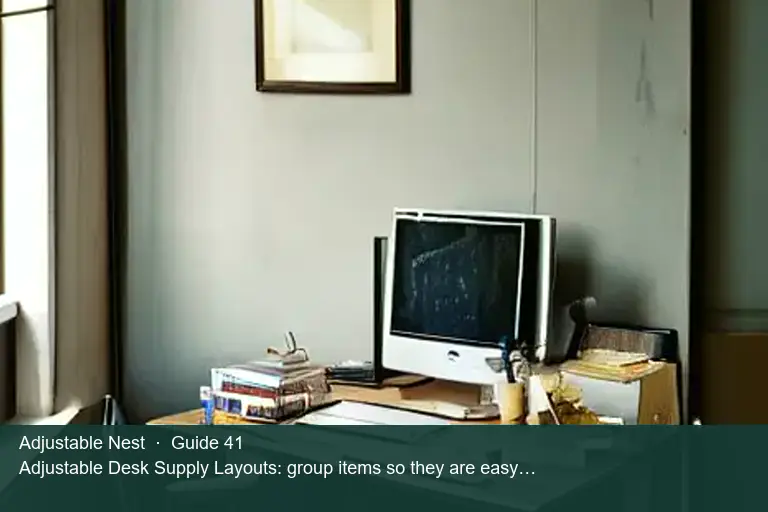
Adjustable Desk Supply Layouts: group items so they are easy to find — consistency test for a first setup; setup in small spaces
Adjustable desk supply layouts are a great way to keep your workspace organized and easily accessible. This task will help you group your items so that they are easy to find, making it easier to manage your work. In this guide, we’ll focus on adjustable desk supply layouts, specifically designed for small spaces. We’ll also discuss a practical task that’s perfect for first-time setup of adjustable desk supply layouts, which involves a group of items that are easy to find. Lastly, we’ll provide some setup tips for small spaces, including a first setup in small spaces. Let’s get started! Step 1: Group items easily Before we move on to adjustable desk supply layouts, it’s important to group items so that they are easy to find. This means grouping items with similar purposes and needs, or items that are easily accessible from different areas of the workspace. For example, if you have a small desk and a small computer, it would make sense to group them together. This way, you can easily access both items without having to move from one area to another. Step 2: Choose the right size When you’ve grouped your items, it’s important to choose the right size for your adjustable desk supply layouts. The size of the items should be large enough to fit comfortably in your workspace, but small enough to make it easy to find and access. For example, if you have a small computer and a small desk, a large computer should be placed in the center of the workspace, and a small desk should be placed on one side. Step 3: Select the right layout Once you’ve grouped your items and selected the right size, it’s time to choose the right layout for your adjustable desk supply layouts. There are several different types of adjustable desk supply layouts to choose from, including horizontal, vertical, and diagonal. For example, if you have a small desk and a small computer, a horizontal layout might be the best option. Step 4: Arrange your items in the right way Once you’ve chosen your layout, it’s time to arrange your items in the right way. This means arranging your items in a way that makes it easy to access both items, without having to move from one area to another. For example, if you have a small computer and a small desk, you can arrange your items in a way that makes it easy to access both items. Step 5: Test your layout Finally, it’s important to test your layout to make sure it works well. This means testing your layout by moving items around and checking if they can easily be accessed. For example, if you have a small computer and a small desk, you can test your layout by moving the small computer around and checking if it can easily be accessed. This way, you can make sure your layout works well and is easy to use. In conclusion, adjusting your workspace is a great way to keep your workspace organized and easily accessible. By grouping your items easily, choosing the right size, selecting the right layout, arranging your items in the right way, and testing your layout, you can make sure your adjustable desk supply layouts work well and are easy to use.