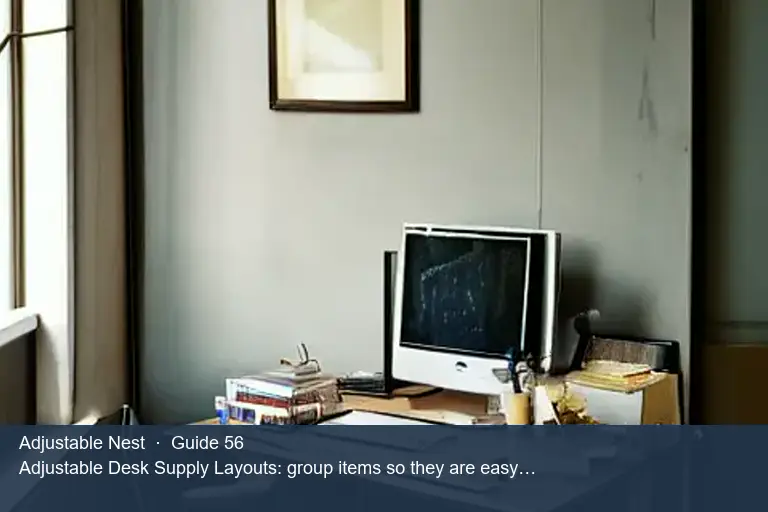
Adjustable Desk Supply Layouts: group items so they are easy to find — reset routine for a changing inventory; setup in small spaces
### Adjustable Desk Supply Layouts: Group Items for Easy Access
In today's dynamic workplace, maintaining a clutter-free environment is essential for both productivity and organization. However, the sheer amount of items on an adjustable desk supply layout can often lead to confusion and frustration. To overcome this challenge, consider implementing group items to make finding supplies easier and more organized. By grouping items, you can create a visually appealing and easily accessible layout.
#### Group Items for Easy Access
To achieve this, start by grouping similar items together. For example, if you have multiple sets of files or folders, group them all under a single column. This makes it easier to find the correct item when you're looking for a specific piece of equipment.
#### Step 1: Group Similar Items
- **File and Folder Groups:** Organize similar files and folders together under a single column. For instance, if you have a group of documents or folders, group them under one column.
- **Software and Hardware Groups:** Group related software and hardware together under a single column. For example, if you have a group of printers or a group of scanners, group them under one column.
- **Stationery and Supplies:** Group items like pens, pencils, and paper together under a single column.
#### Step 2: Use Colored Labels
Colored labels can help you quickly identify which items belong together. Choose a color for each group and place them in a row under one column. This makes it easy to find the items you need when you're looking for something specific.
#### Step 3: Use Grid Layout
A grid layout, such as a grid with rows and columns, can also help you group items easily. This is especially useful if you have multiple sets of files or folders that you need to organize.
#### Step 4: Use a Labeling Tool
Consider using a labeling tool, such as a label maker or a digital label maker, to label your adjustable desk supply layout. This can help you quickly identify which items belong together, making it easier to find the items you need.
#### Step 5: Reuse Grouped Items
To further reduce clutter and make the layout more organized, consider reusing grouped items. For example, if you have several sets of files or folders, consider reusing one set under a single column for future reference.
#### Step 6: Test Your Layout
Once you have implemented group items, test your layout to ensure it is working as expected. Check that each item is easily accessible, and that you can quickly locate the correct item when you need it.
#### Step 7: Reset Routine
To reset your routine, consider resetting your group items after a change in inventory. This can help you to quickly find the correct item when you're looking for something specific.
#### Conclusion
By implementing group items, you can make finding and organizing adjustable desk supply layouts easier and more organized. By grouping similar items together, using colored labels, using a grid layout, using a label maker, reusing grouped items, and testing your layout, you can achieve a visually appealing and easily accessible layout. The benefits of this approach are numerous, including a reduced clutter, better organization, and a more efficient workflow.
Remember, the key to effective adjusting is to make sure that the items are easily accessible and that you can quickly locate the correct item when you're looking for something specific. By implementing group items, you can achieve this easily and efficiently.