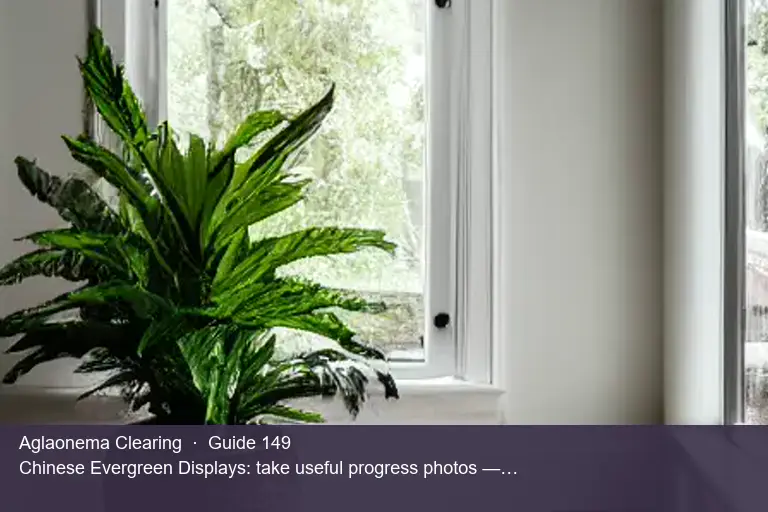
Chinese Evergreen Displays: take useful progress photos — measurement guide for existing containers; setup after a break
**Chinese Evergreen Displays: Take Useful Progress Photos**
Evergreen displays are a popular choice for homes, offices, and public spaces due to their durability and aesthetic appeal. However, these displays can often lack in quality when it comes to taking useful progress photos. This article will help you take useful progress photos for Chinese evergreen displays, providing a guide on how to measure the containers and set up after a break.
**Step 1: Measure the Container**
Before taking photos, it's essential to measure the container to ensure you have the right size. Here's how to measure a Chinese evergreen display:
- **Use a Measuring Tape**: Lay the container flat on a flat surface to ensure accuracy. Measure the length and width of the container from the top of the display to the edge of the container. Round the measurement to the nearest inch.
- **Use a Digital Scale**: For larger containers, a digital scale can be useful. Measure the length of the container from the top of the display to the edge of the container. Round the measurement to the nearest inch.
**Step 2: Determine the Camera and Lighting**
Once you have the container's dimensions, you'll need to decide on a camera and lighting. Here's how to choose:
- **Choose a Canon or Nikon camera**: These brands are known for producing high-quality, easy-to-use cameras. A Canon or Nikon camera will provide better image quality and more consistent results.
- **Select a good lighting**: A good lighting can help enhance the quality of your photos. Here's how to choose:
- **Natural Light**: Use natural light to your advantage. Position the camera slightly away from the display to ensure a clear view of the display.
- **Soft Light**: If you have a window or a bright light source, try using a soft light. This will create a softer background that will help balance the contrast and make the display look more professional.
**Step 3: Set Up After a Break**
After taking photos, it's essential to set up properly. Here's how to do it:
- **Position the Camera**: Position the camera with the lens facing away from the display.
- **Adjust the Angle**: Adjust the camera's angle to ensure the display is in a clear view. This can help capture the best angle for the display.
- **Record the Date and Time**: Record the date and time to help you reference the photos later.
**Step 4: Take Useful Progress Photos**
Now that you've taken useful progress photos for your Chinese evergreen display, here's how to take them:
- **Take a Single Photo**: Once you've taken a photo, take a single photo to make it easier to reference later.
- **Use a Camera App**: Use a camera app like Adobe Lightroom or Lightroom to take photos in a consistent way. This will ensure a consistent look across all your photos.
**Step 5: Save and Share**
Finally, it's time to save and share your photos. Here's how to save and share:
- **Save the Photos**: Save the photos to your computer or a digital camera.
- **Share the Photos**: Share the photos on social media, your website, or a photo-sharing platform like Facebook.
**Conclusion**
With these steps, you can take useful progress photos for your Chinese evergreen display. Remember, taking photos is a learning process, so don't get discouraged if you don't see immediate results. Keep practicing, and you'll be taking photos with confidence in no time!
**Photo Standards and Guidelines**
For your Chinese evergreen display, you should use high-quality, easy-to-use cameras and lighting. Use a camera app to take photos in a consistent way and adjust the angle to ensure a clear view of the display. Always take a single photo to make it easier to reference later.
**Contact:** If you have any further questions or need additional assistance, please don't hesitate to reach out.